
An extension for SketchUp
Draw it in SketchUp. Cut it with CabinetOS.
CabinetOS Units draws every CabinetOS unit in SketchUp, board by board, at the sizes CabinetOS cuts. When the design is right, send it to CabinetOS and the cut list, board layout and quote are ready.
Included in Pro, Studio and Enterprise, and in the 14-day free trial. SketchUp 2017 or newer, Windows and Mac.
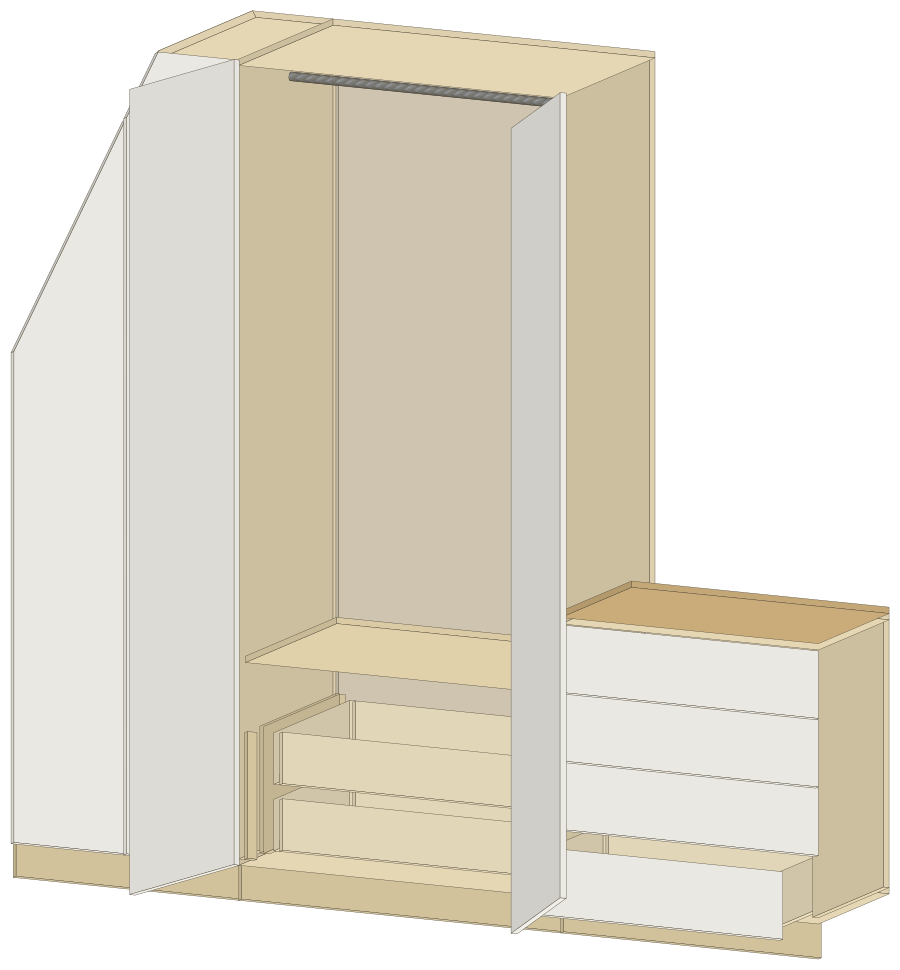
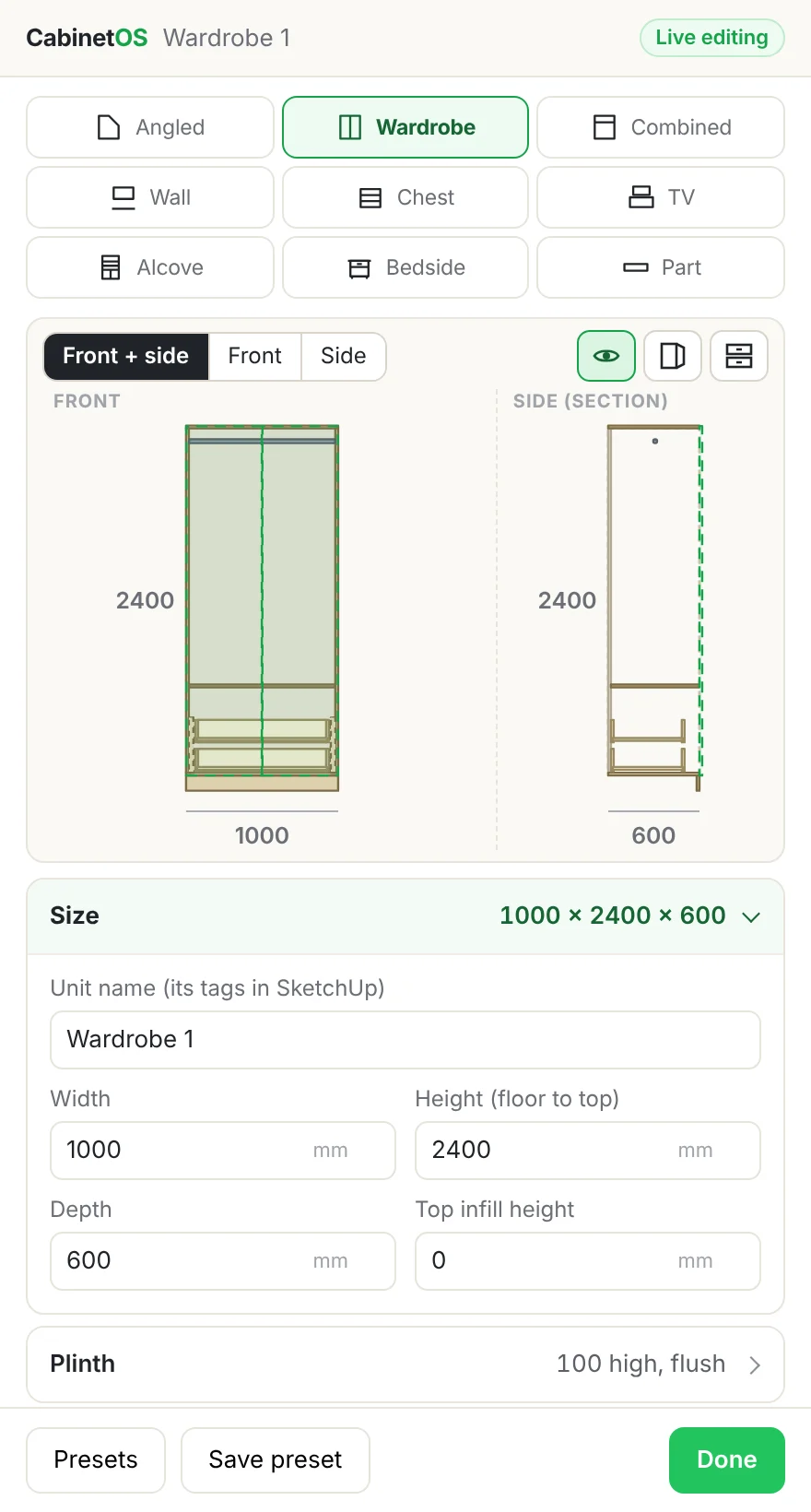
Every CabinetOS unit, board by board
Pick a unit, type the sizes and it's drawn in your model: every board its own component, at its true cut size. Drawn here at one scale.
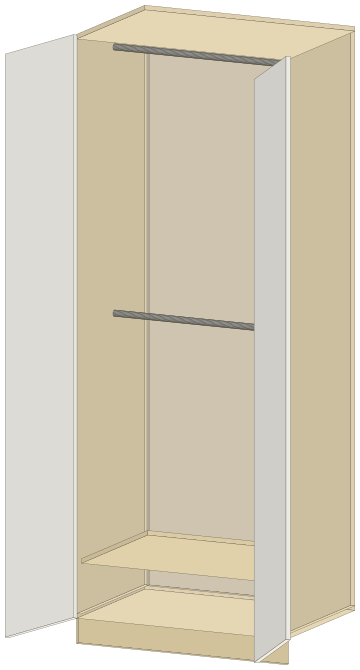
Wardrobe
Doors, shelves, single or double rail, drawers inside or below, a divider.
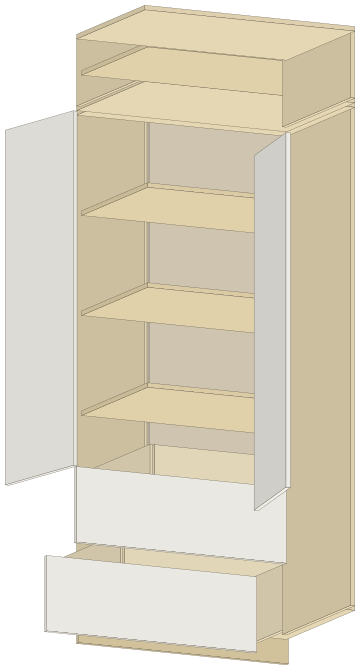
Combined unit
A wardrobe with a top box over it, one or two rows of doors.
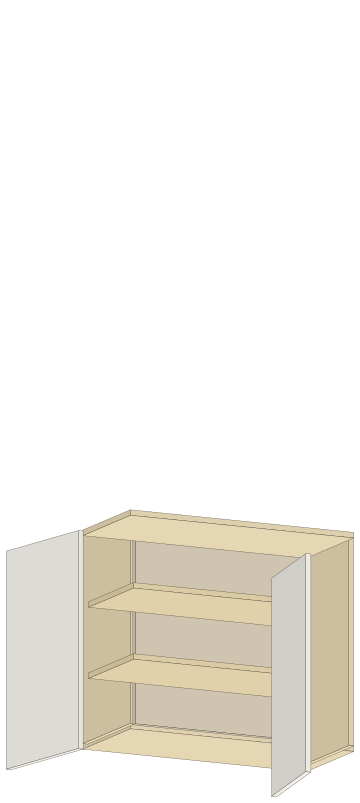
Wall unit
Hung at its height from the floor, doors and shelves.
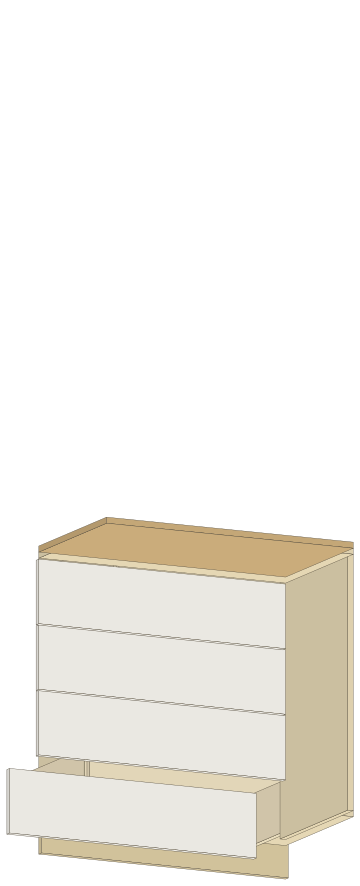
Chest of drawers
Drawers each their own height, a worktop with its overhangs.
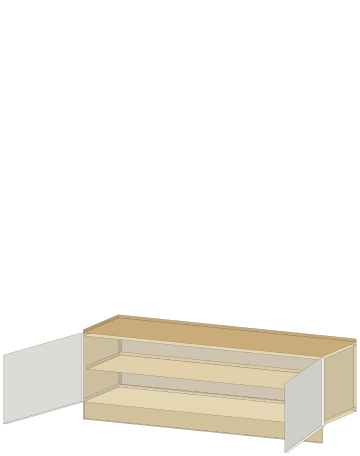
TV unit
Open or with doors, a worktop, sized to the TV.
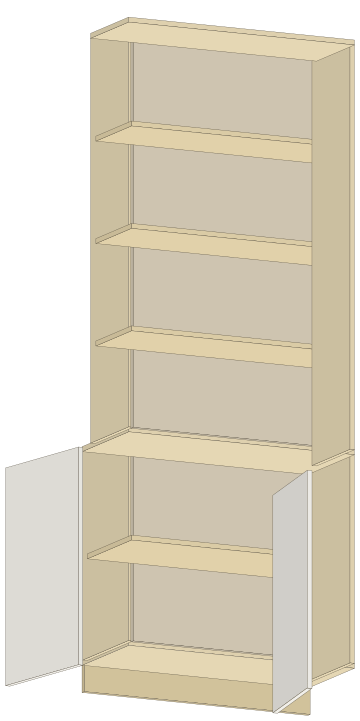
Alcove unit
A cupboard and shelves beside a chimney breast, floor to ceiling.
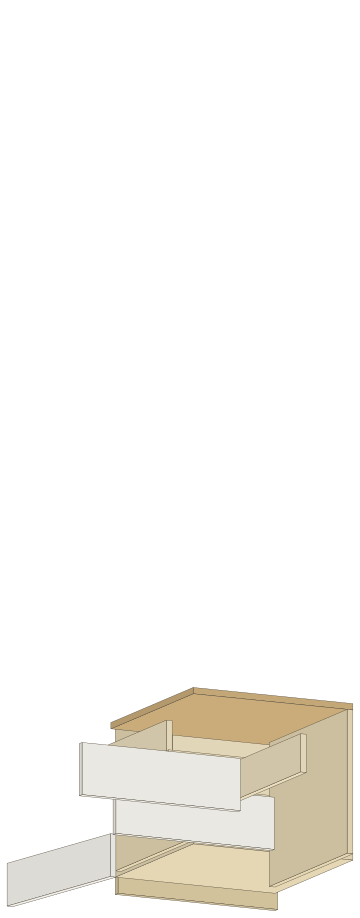
Night stand
Drawers under a worktop, open shelves or a door below.
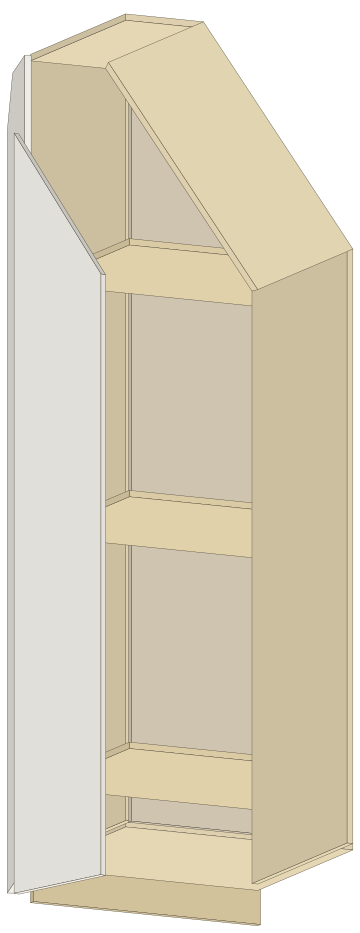
Angled unit
Under a sloped ceiling, with or without a flat top, doors cut to the slope.
And single parts: plinths, top infills, side panels, doors, shaker doors, slatted panels and base frames.
Built the way CabinetOS builds it
The extension runs the same sums as CabinetOS, so a side, a shelf or a door in SketchUp is the size CabinetOS cuts.
Every board its own component
Named, at its cut size, on its own material. OpenCutList reads it straight away.
Change a size, every part follows
The panel stays open: type a new width and the whole unit rebuilds, in one undo.
Doors open, drawers slide out
Doors swing on their hinge side and drawers come out with their box, so you can show the client the inside.
The details CabinetOS has
Shaker doors, drawers each their own height, push to open, dividers, outer side panels and scribe fillers.
Tags for each unit
Each unit gets its own tag folder: hide one unit's doors, or a whole unit, in one click.
Presets
Start from a wardrobe, a loft unit or a bedside, or save your own set-ups.
77,102 checks before every release compare each board the extension draws with the CabinetOS cut list.
Send it to CabinetOS
When the design is right, the units go to your CabinetOS account as a new project. Your SketchUp model doesn't change.
- 1
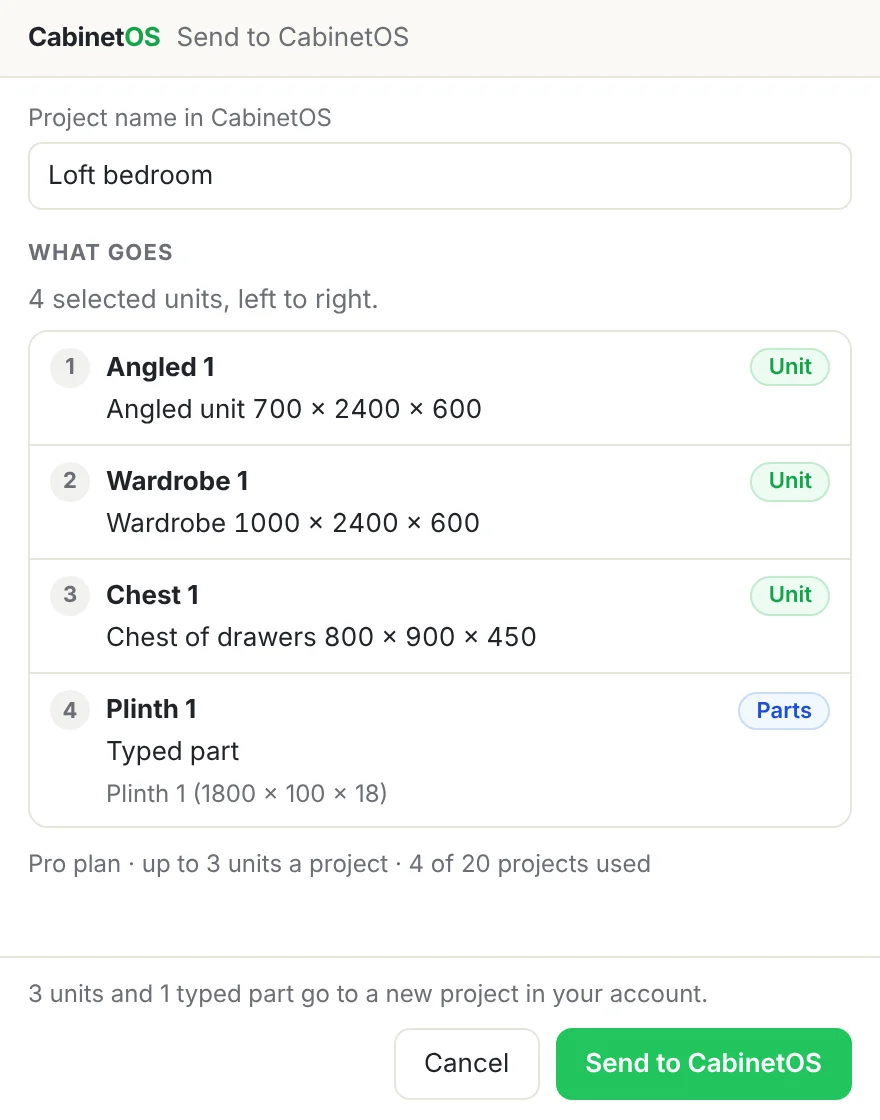
Select the units
Select them, or nothing for every unit in the model, and press Send to CabinetOS.
- 2
Check what goes
The window lists them left to right, says what CabinetOS does differently and checks your plan's limits.
- 3
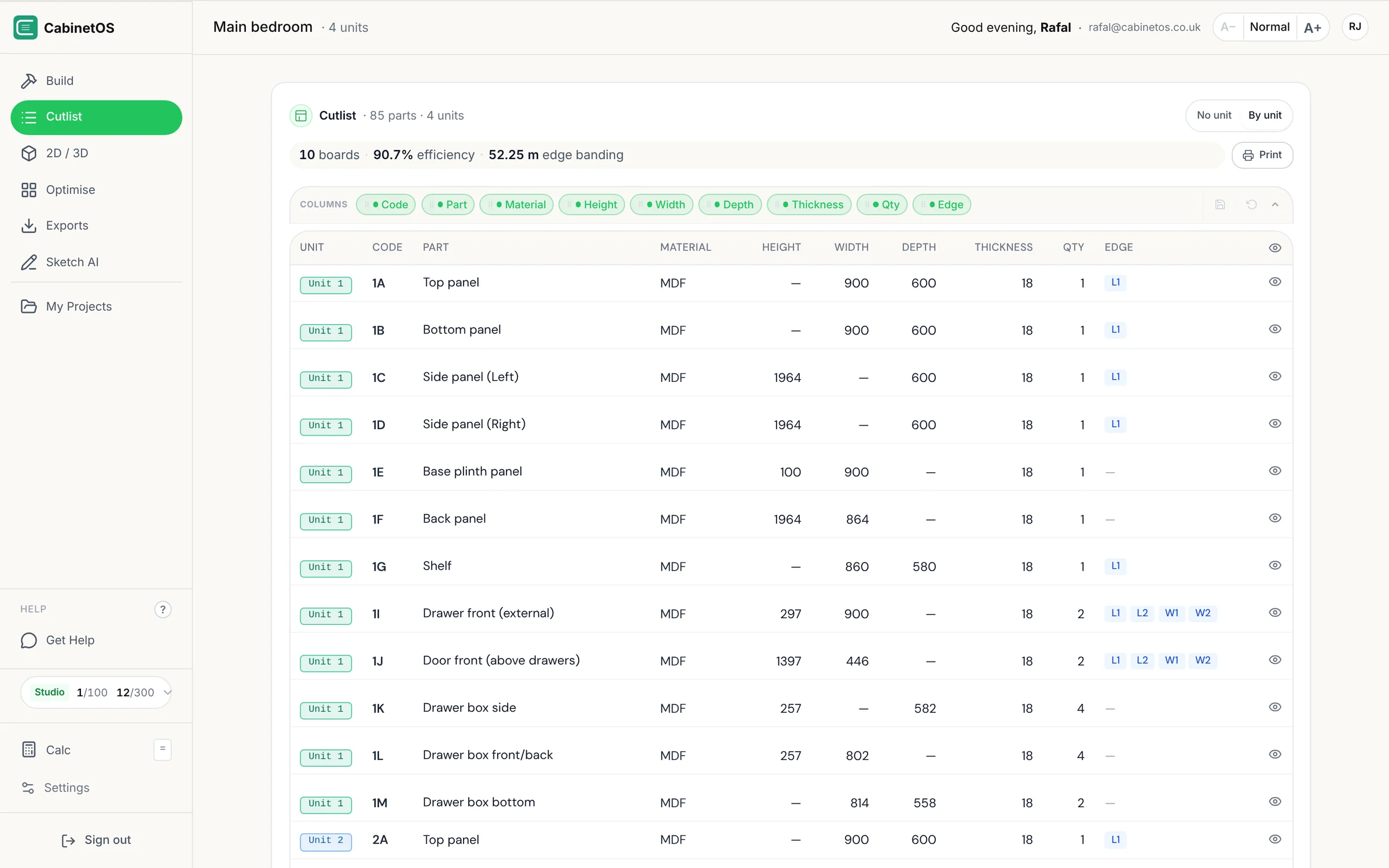
Open it in CabinetOS
The project opens with its cut list, board layout, price and documents, ready for the cutting company.
Included in Pro, Studio and Enterprise
The 14-day free trial includes it too. Starter and Free don't. Each plan's units a project apply when you send.
Pro
Up to 3 units a project
Studio
Up to 5 units a project
Enterprise
Any number of units a project
Installed in a minute
- 1
Get the file
Start a free trial, or log in, and download the extension from your account.
- 2
Install it in SketchUp
Extensions › Extension Manager › Install Extension, then pick the file. The CabinetOS toolbar appears.
- 3
Sign in
Press Sign in in the panel and approve the code on the CabinetOS page that opens. No password goes through SketchUp.
Version 1.7.1 · SketchUp 2017 or newer · Windows and Mac
Questions
Does it work without internet?
Yes. It checks your plan every 12 hours when it can, and keeps working for 7 days without a connection. Sending to CabinetOS needs the internet.
What happens to my units if my plan ends?
They stay in your models, with their doors, tags and OpenCutList materials. Drawing new units and changing them needs Pro, Studio, Enterprise or the trial.
Does sending change my SketchUp model?
No. It makes a new project in CabinetOS. Send again after a change and you get another project; the first one stays as it was.
Which SketchUp does it need?
SketchUp 2017 or newer on Windows or Mac. Not SketchUp for Web or iPad: they don't run extensions.
Is the extension in English only?
Its panel is in English for now. CabinetOS, where the cut list opens, is in English and Polish.
Can I use it without CabinetOS?
It is part of a CabinetOS plan: you sign in with your CabinetOS account, and the free trial lets you try both.
Draw the next job in SketchUp
Start the free trial, install the extension and send your first unit to CabinetOS.
SketchUp is a trademark of Trimble Inc. CabinetOS Units is made by Rafal Solutions Ltd and is not affiliated with or endorsed by Trimble.